
Posting Single Transactions
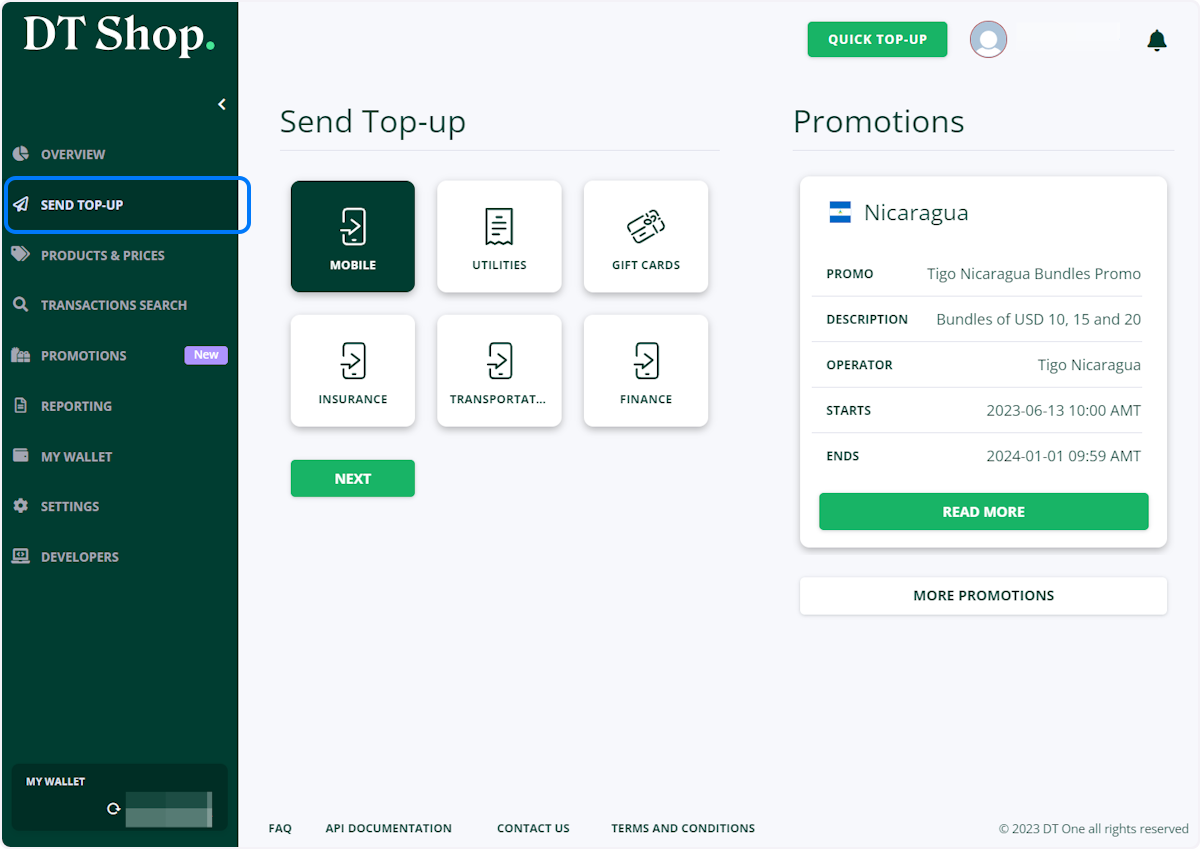
- Click on SEND TOP-UP, select MOBILE and click NEXT
Pay attention at the Promotions section. If any of promotions seem attractive, transaction can be posted directly from the promotion tile.
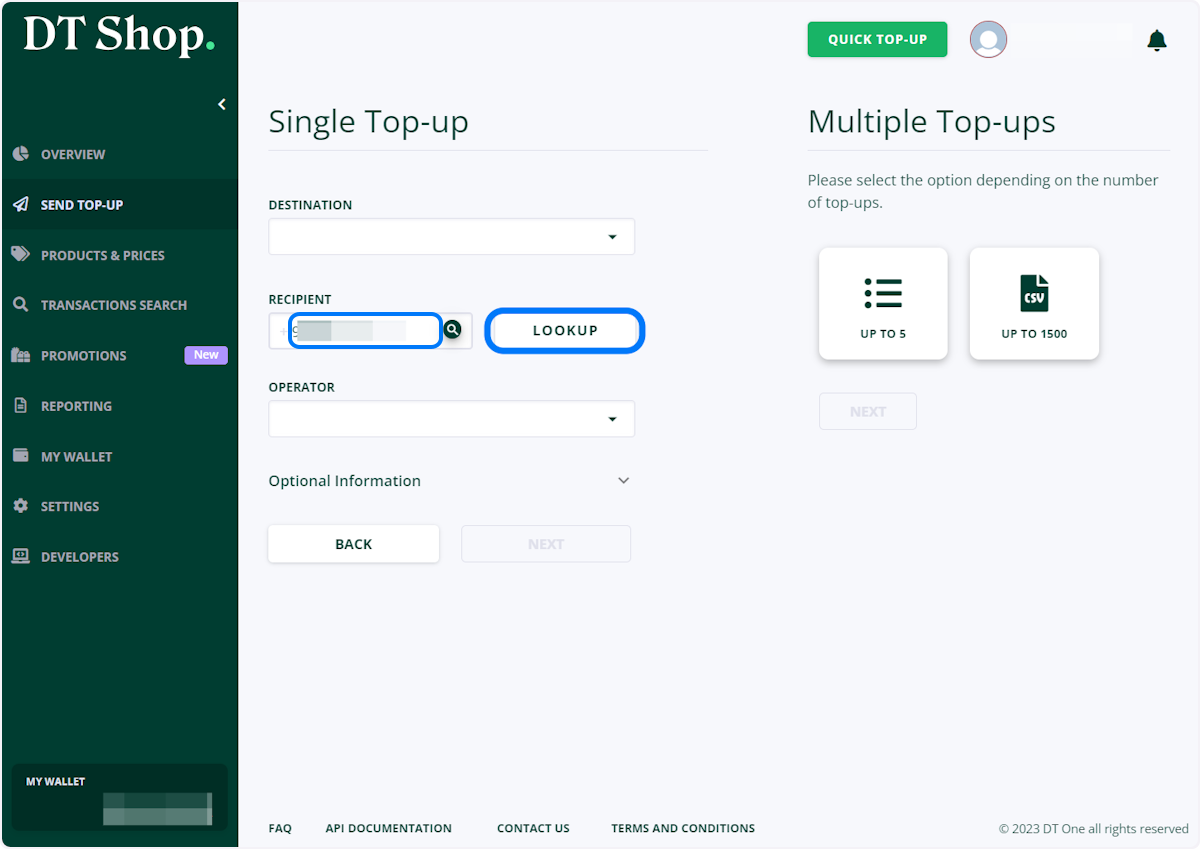
- Enter Mobile number you want to top up and click LOOKUP
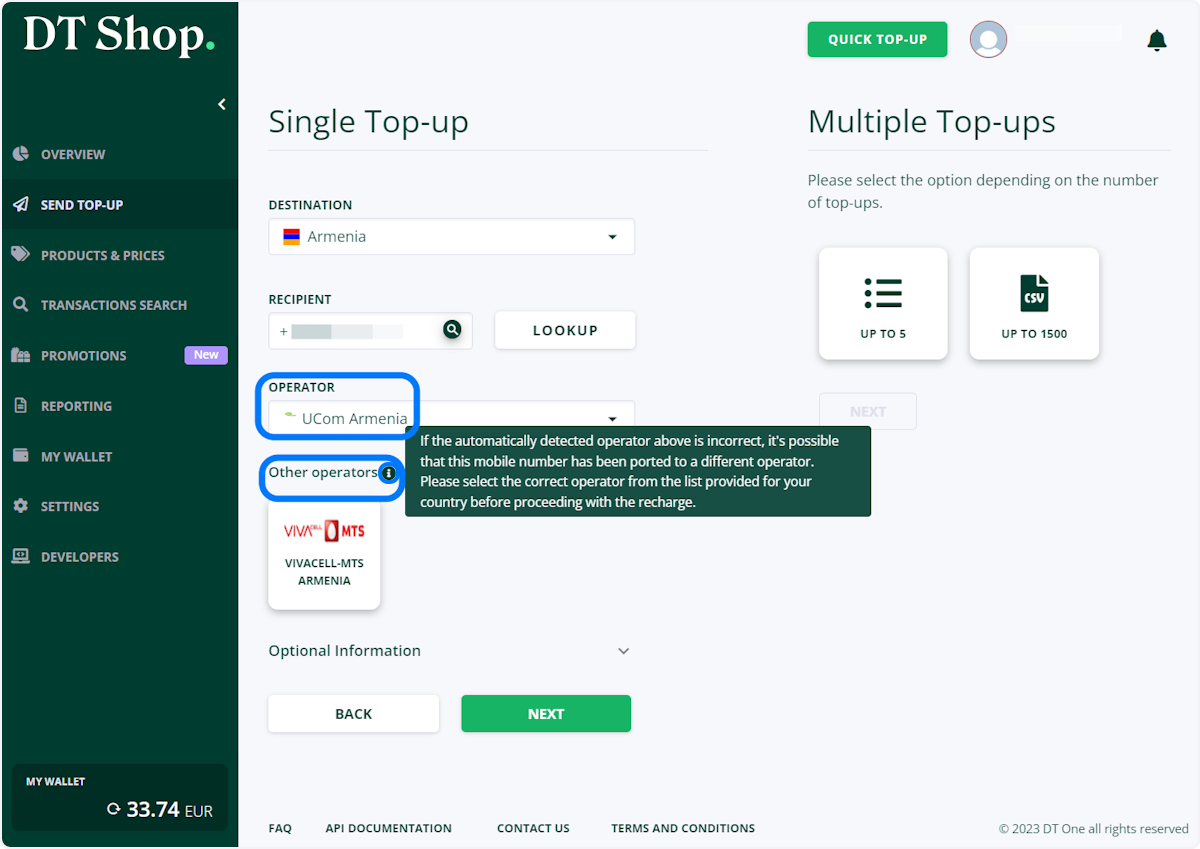
The operator will be determined automatically
- In rare cases, there may be situations when the consumer knows that the mobile number belongs to another operator
In this case, you can select other operators, available in the country from the list under Other Operators section
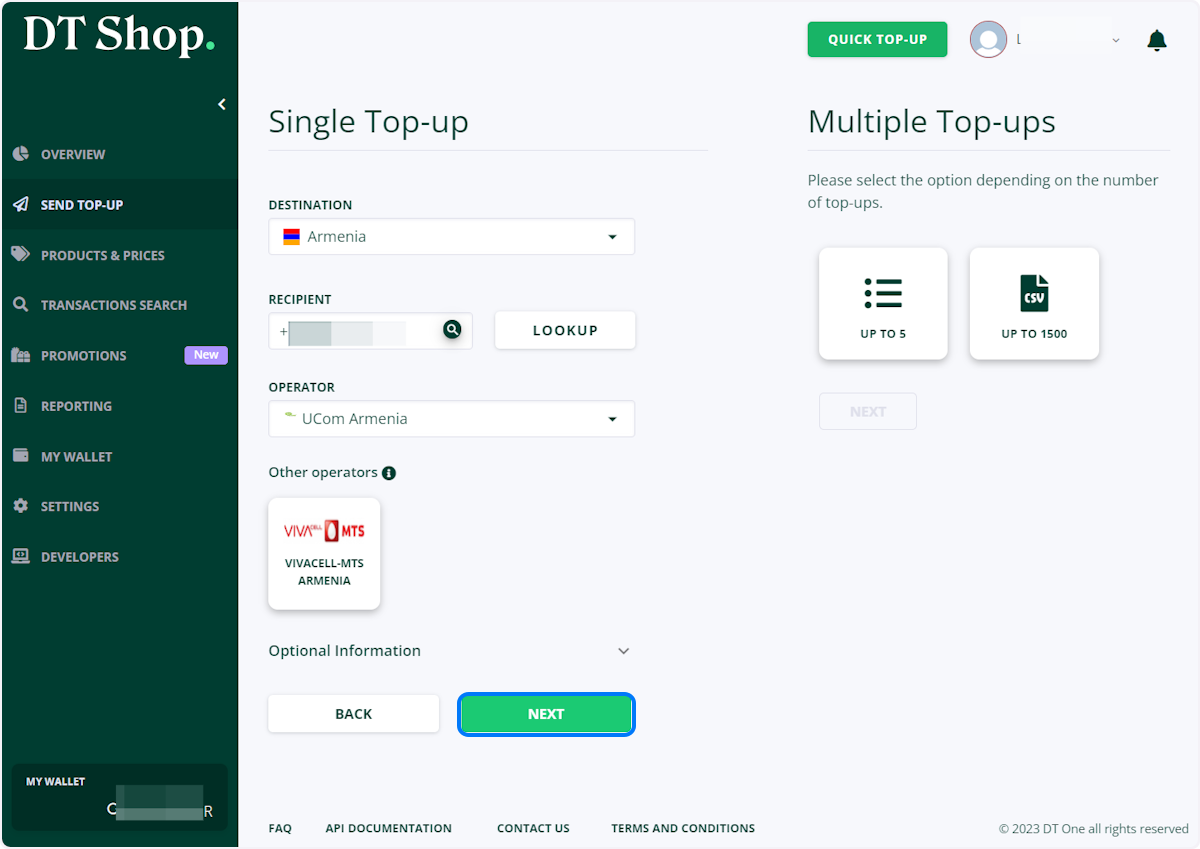
- Click on NEXT
- When you find the needed product, click on SELECT PRODUCT
You can use filters to limit available options
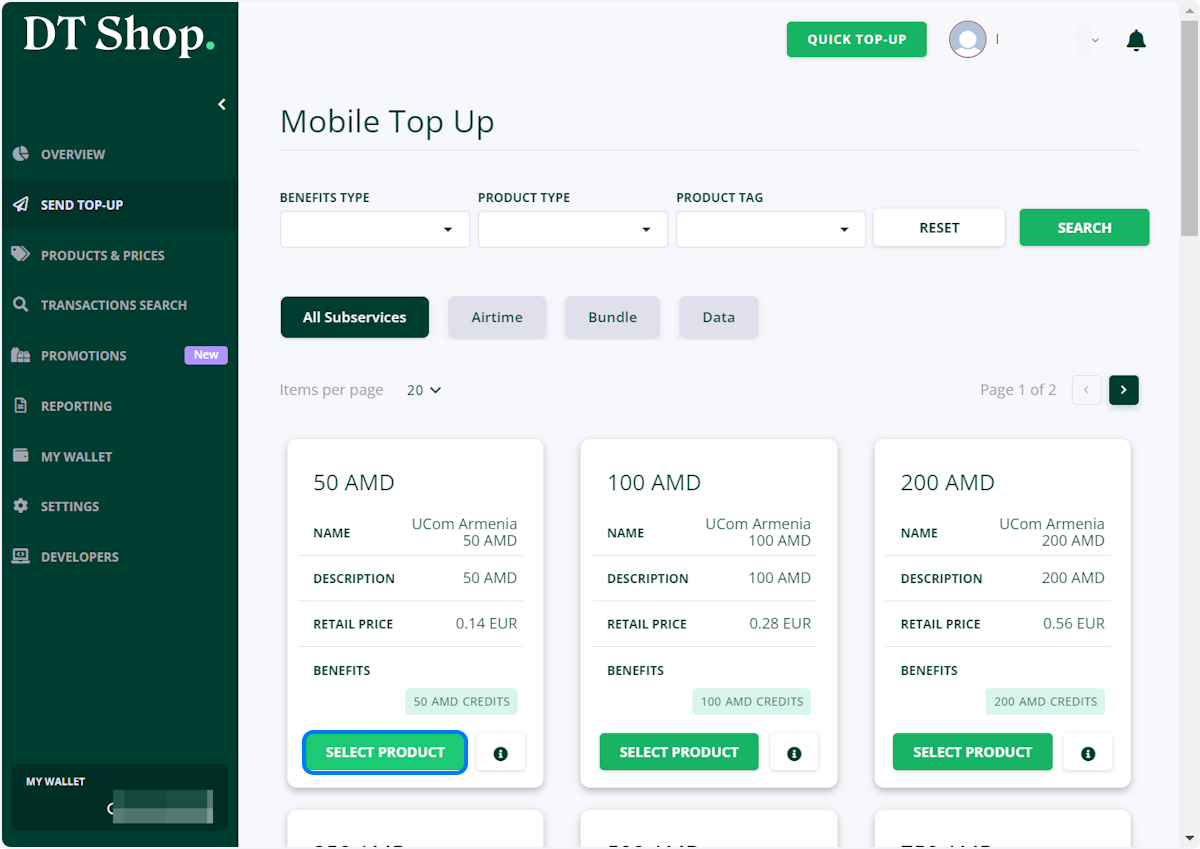
- On the confirmation screen, click SEND
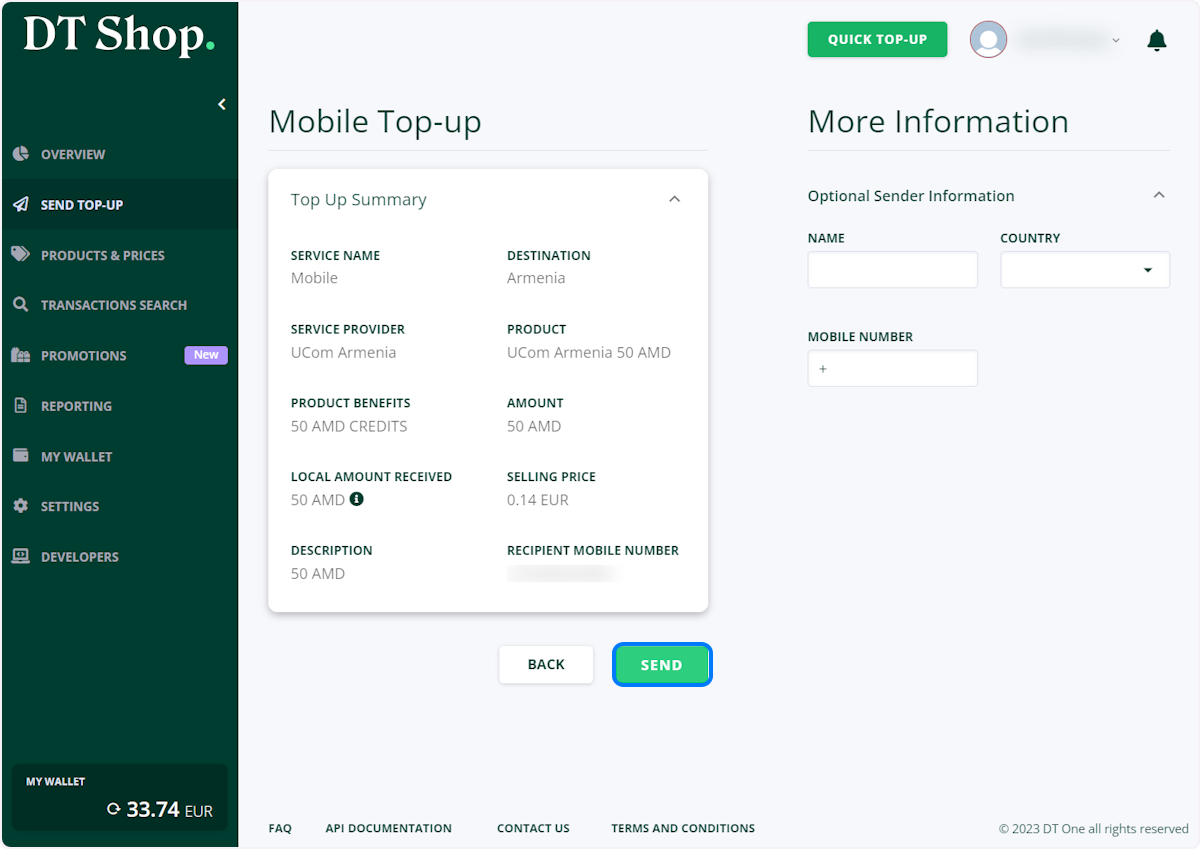
-
To Print invoice click PRINT INVOICE
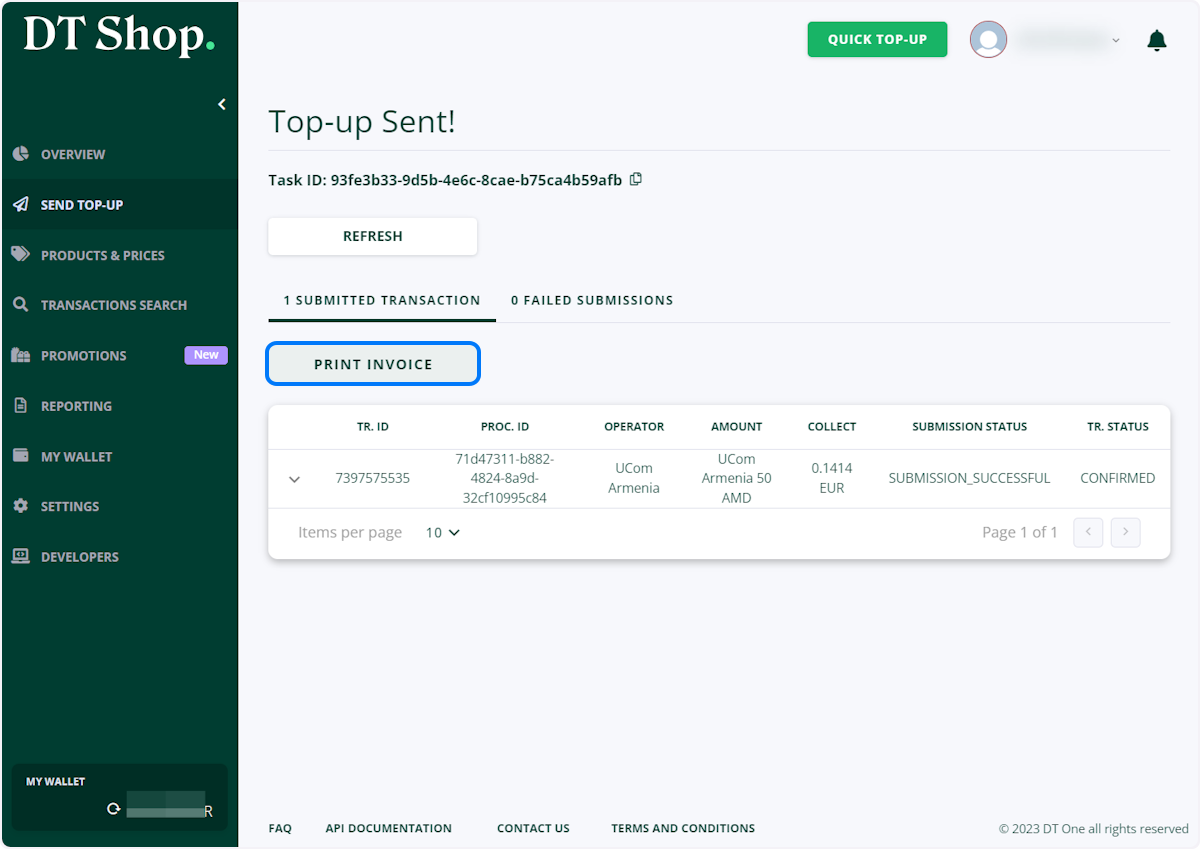
-
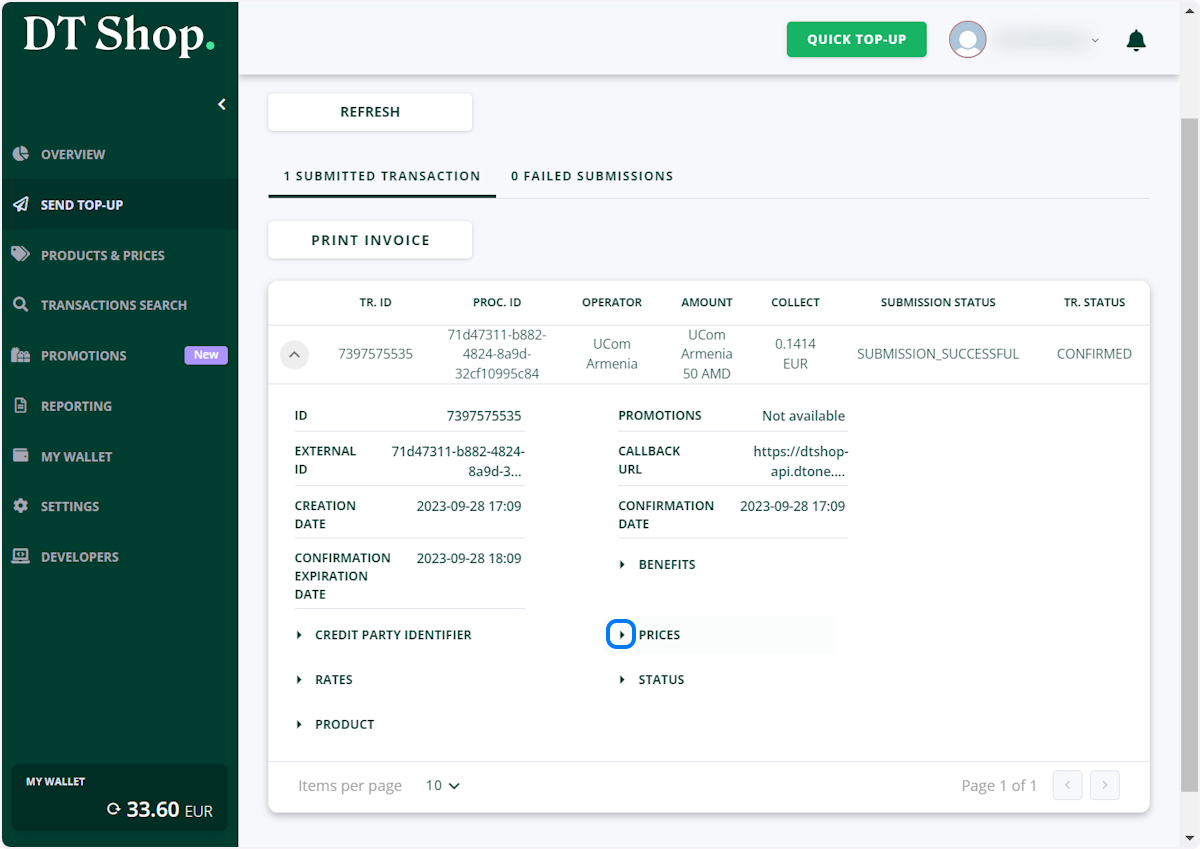
Additional information about this transaction is available under expandable section
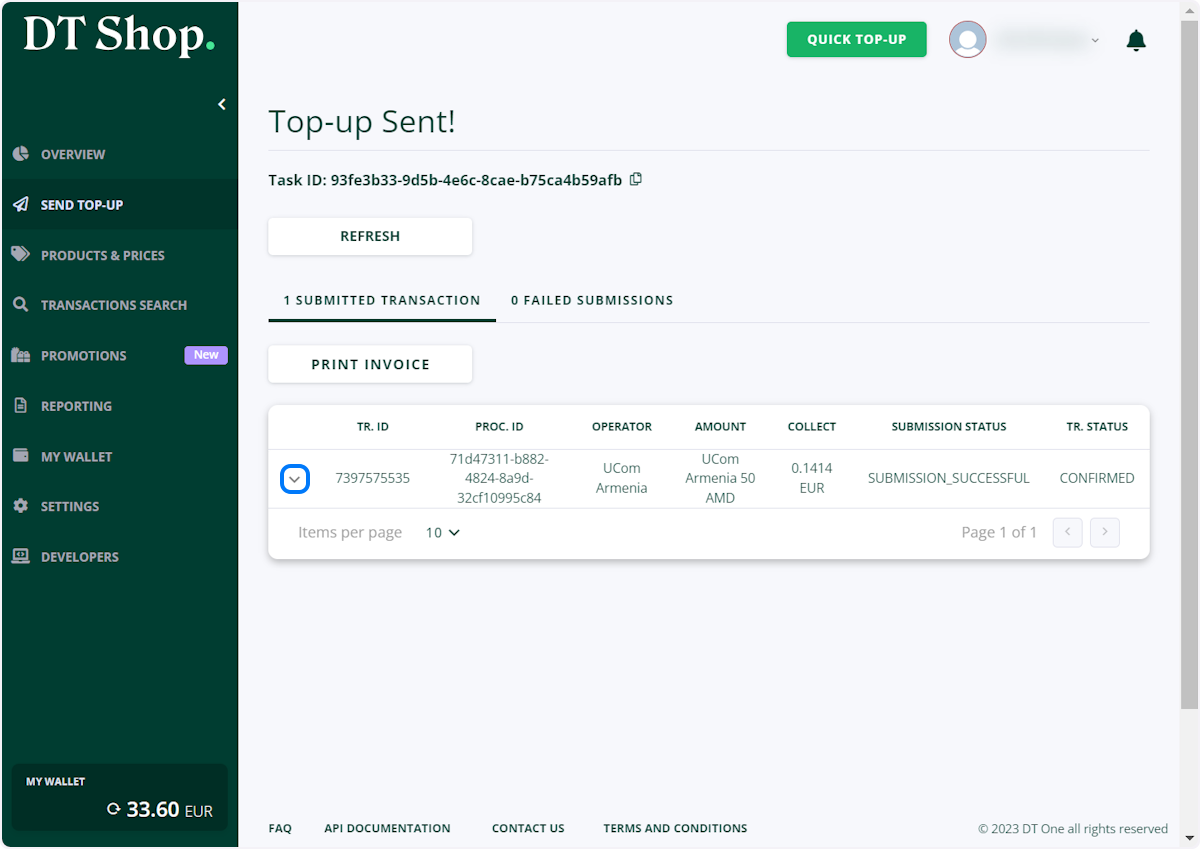
-
Expandable section contains all transaction details, including Prices
-
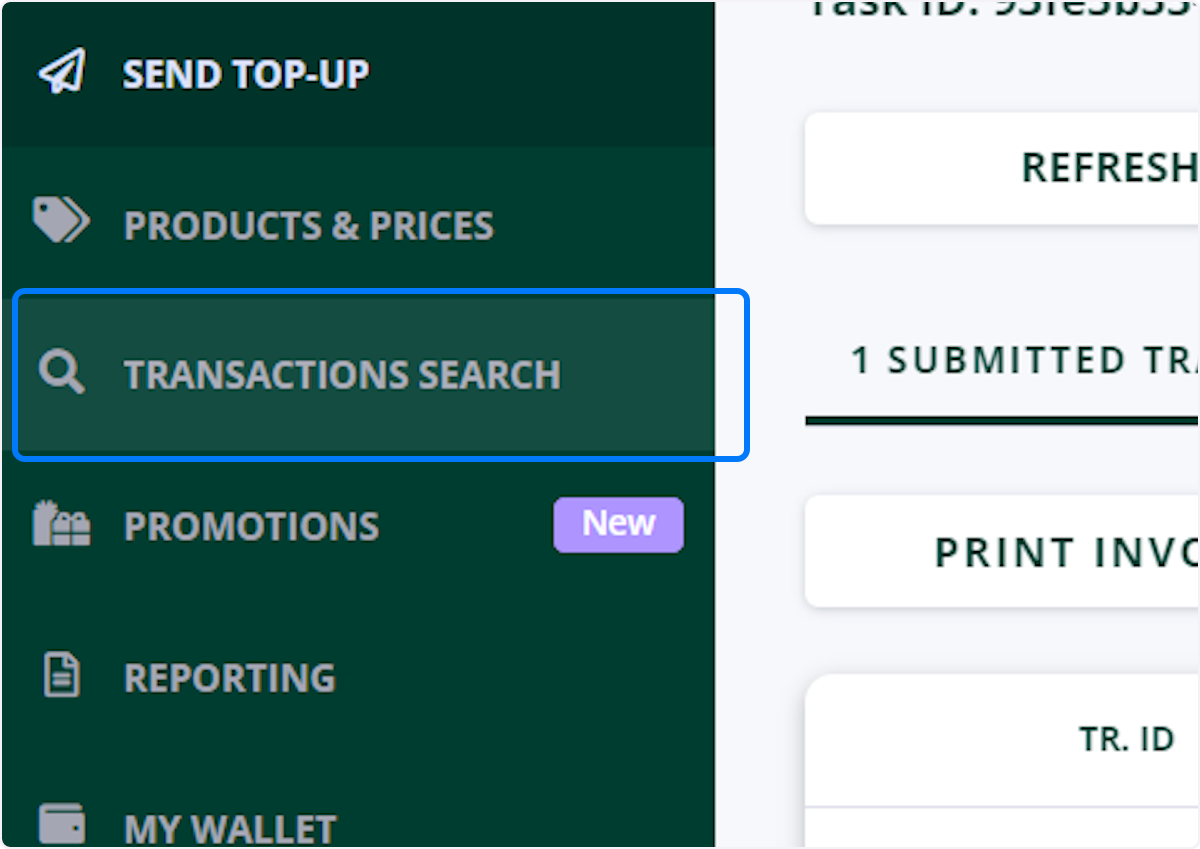
Transaction will be available in TRANSACTIONS SEARCH in 4-6 minutes
🎊 Congrats Your mobile top-up has now been successfully sent to the recipient!