
User Management: Inviting & Managing Access
The Users List page allows administrators to:
- Invite new users
- Modify access for existing users
- Filter and manage user records
- Inviting a New User
To add a new user to your account:
- Navigate to Settings
- Click Access Control
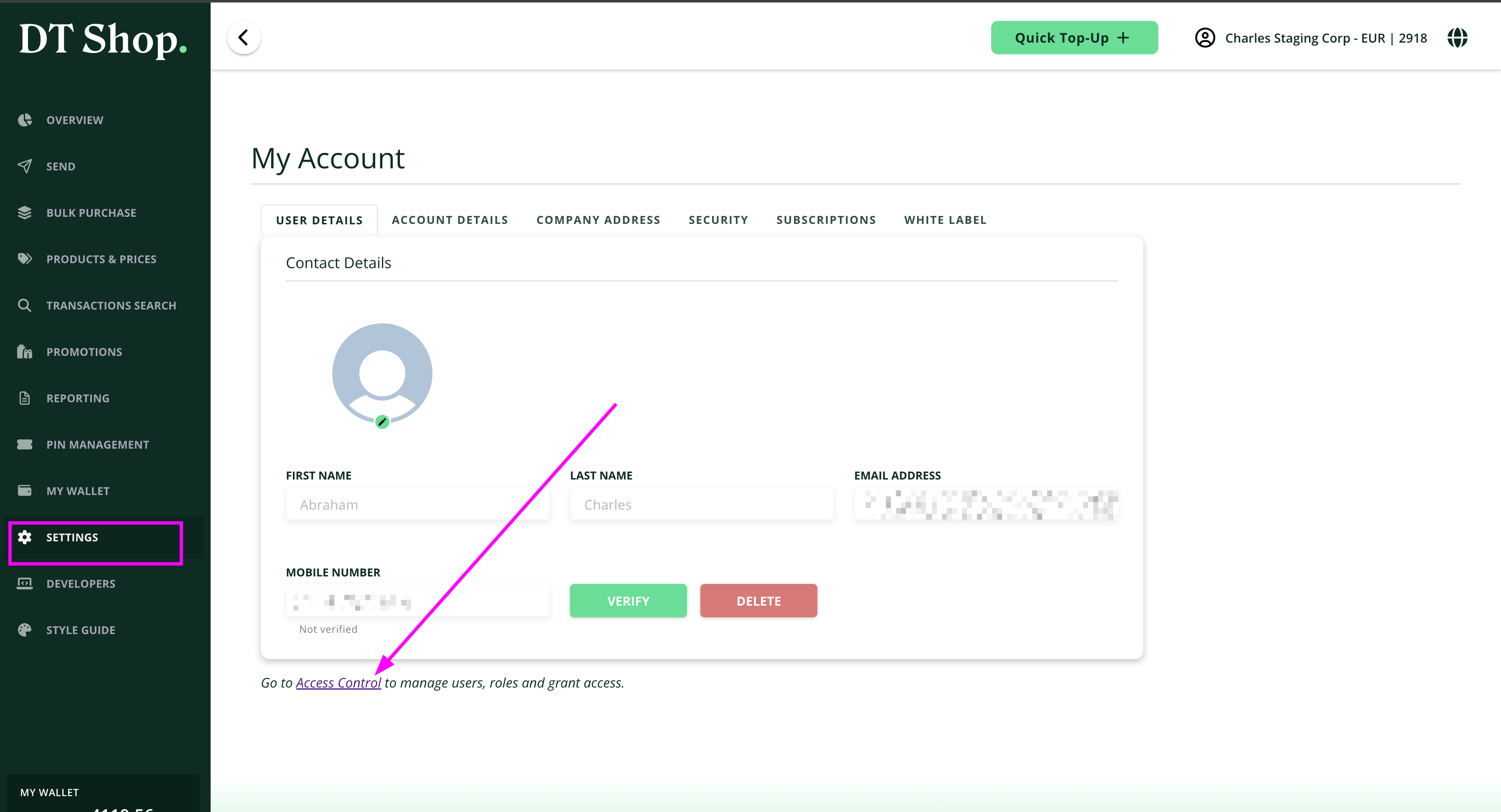
- In the Users List page, click Invite User
Fill in the required details:- First Name
- Last Name
- Email Address
- User Role (select from available roles)
- Click Save User
Once submitted:
- The user will receive an invitation email
- They must complete account setup to gain access
Updated 5 months ago
Did this page help you?