Jump to Content
DT One Developers
HomeGuidesAPI ReferenceChangelog
API ReferenceDT One Developers
Guides
API Reference
HomeGuidesAPI ReferenceChangelog

ABOUT DT ONE

  • About DT One Platform
    • About Products
    • Product Type
    • Identifiers and Required Fields
    • Product Metadata
    • Product and Pricing Updates
  • Product Discovery
    • Endpoints for Product Discovery
    • Required Parameters for Building UI
  • Handling Transactions
  • Information Security

SET UP

  • Choose a Solution
  • Create an Account
  • Security
  • More Information

API

  • Optimize Product Discovery
    • Learn about Products, Services, and Subservices
    • Synchronize Product Catalogs
    • Look Up Mobile Numbers
    • Best Practices for Filtering and Categorizing Products
  • Get Operator Logos
  • Integrate Mobile Products
    • Mobile: FIXED_VALUE_RECHARGE
    • Mobile: RANGED_VALUE_RECHARGE
    • Mobile: FIXED_VALUE_PIN_PURCHASE
  • Integrate eSim Services
    • eSim: FIXED_VALUE_PIN_PURCHASE
  • Integrate Gift Cards and Vouchers
    • Gift Card: FIXED_VALUE_RECHARGE
    • Gift Card: RANGED_VALUE_RECHARGE
    • Gift Card: FIXED_VALUE_PIN_PURCHASE
  • Requests Per Second (RPS) Allocation

Low Code Solution

  • About Low Code
  • Get Required Credentials
  • Choose a Usage Mode
    • Available Usage Modes
    • Best Fit for Businesses
    • How Each Usage Mode Works
    • Key Advantages
    • Things to Consider
    • Choose the Right Mode
  • UI SDK
    • Set up UI SDK
      • Checklist
      • Test UI SDK in Browser
      • Select Environment and Version
      • Style the Screen Area
      • Embed the SDK in the HTML Page
      • Set Content Security Policy (CSP)
    • Initialize UI SDK
      • Initialization Methods
      • Initialization Flows
    • Collect Payment
    • Finalise
  • Appendix
    • Transaction Object
    • Configure Solution Behavior (sdkConfiguration File)

No Code Solution

  • Use DT Shop
    • Create and activate your DTShop account
    • Sign In
      • Reset Two factor Authentication
      • Restore Access (Forgot Password)
    • Managing Users & Roles
      • Create and Manage Roles
      • User Management: Inviting & Managing Access
    • Transactions
      • Transactions Search
      • Posting Single Transactions
      • Send Promotional Top Up
      • NEW! Purchase eSIM
      • Initiate Utilities Bill Payment
      • NEW! Purchase Global and Regional Gift Card
      • New! Purchase SSS Contribution Product
    • Managing Finance
      • Replenish wallet with bank transfer
      • Proforma Invoice
      • Replenish wallet with PayPal
      • Replenish with credit card
      • Replenish wallet with SEPA
      • Replenish DT Shop Wallet with Alipay
      • Replenish DT Shop Wallet with GrabPay
    • Managing product catalogue
      • How to Manage Retail Prices
      • New! How to Set Rounded Retail Prices in DT Shop
      • How to Generate Pricelist
      • How to Deactivate / Activate Products
      • NEW! How to Subscribe to Pricelist Change Notifications (Pricelist Alerts)
    • Reporting Tools
      • How to use Reporting Tool
      • Transaction Summary Report
      • Transaction Detail Report
      • Account Statement
      • How to Schedule Reports
    • Developers Section
      • How to generate API Keys, whiteist IP addresses and set callback credentials
      • Preproduction Environment
    • How to Update Your Address Details
    • Branding (White-Labelling DT Shop)

Rewards Portal

  • About the Rewards Portal
Powered by 

How to Generate Pricelist


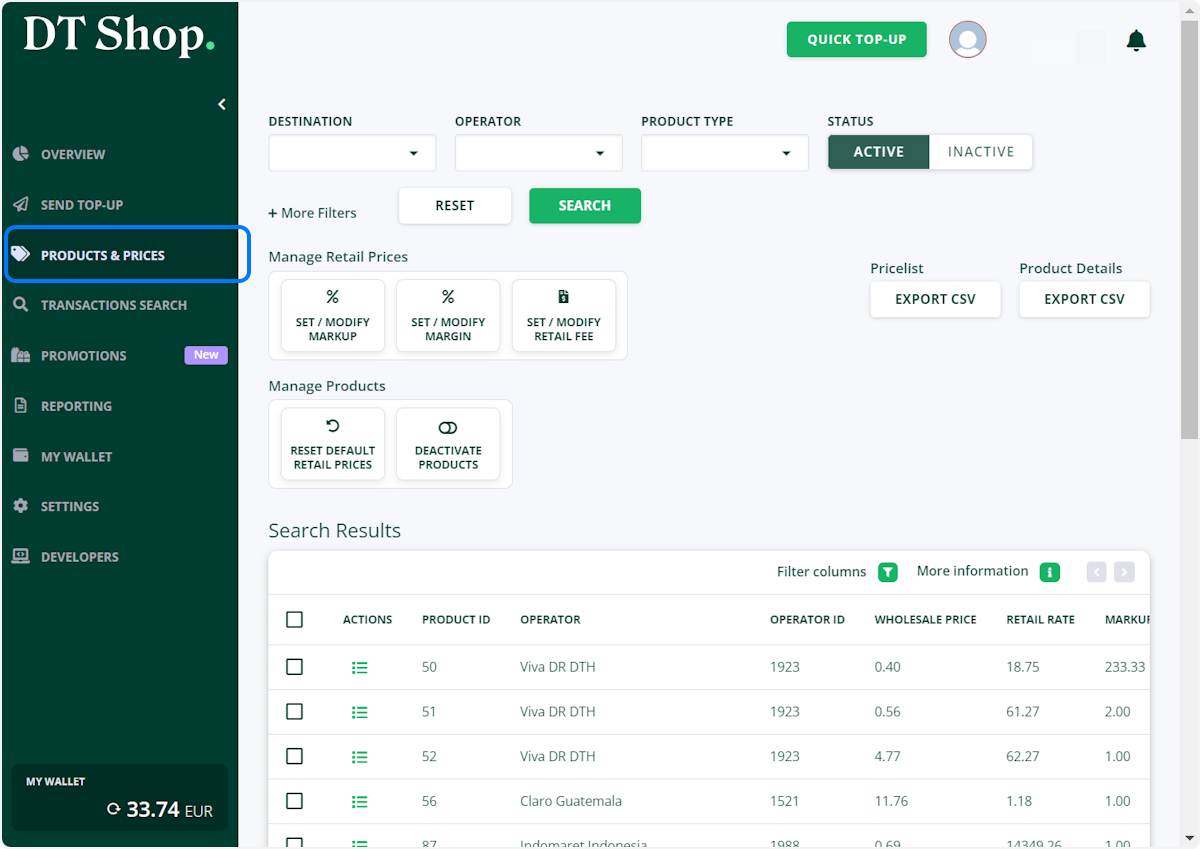
  1. Click on PRODUCTS & PRICES

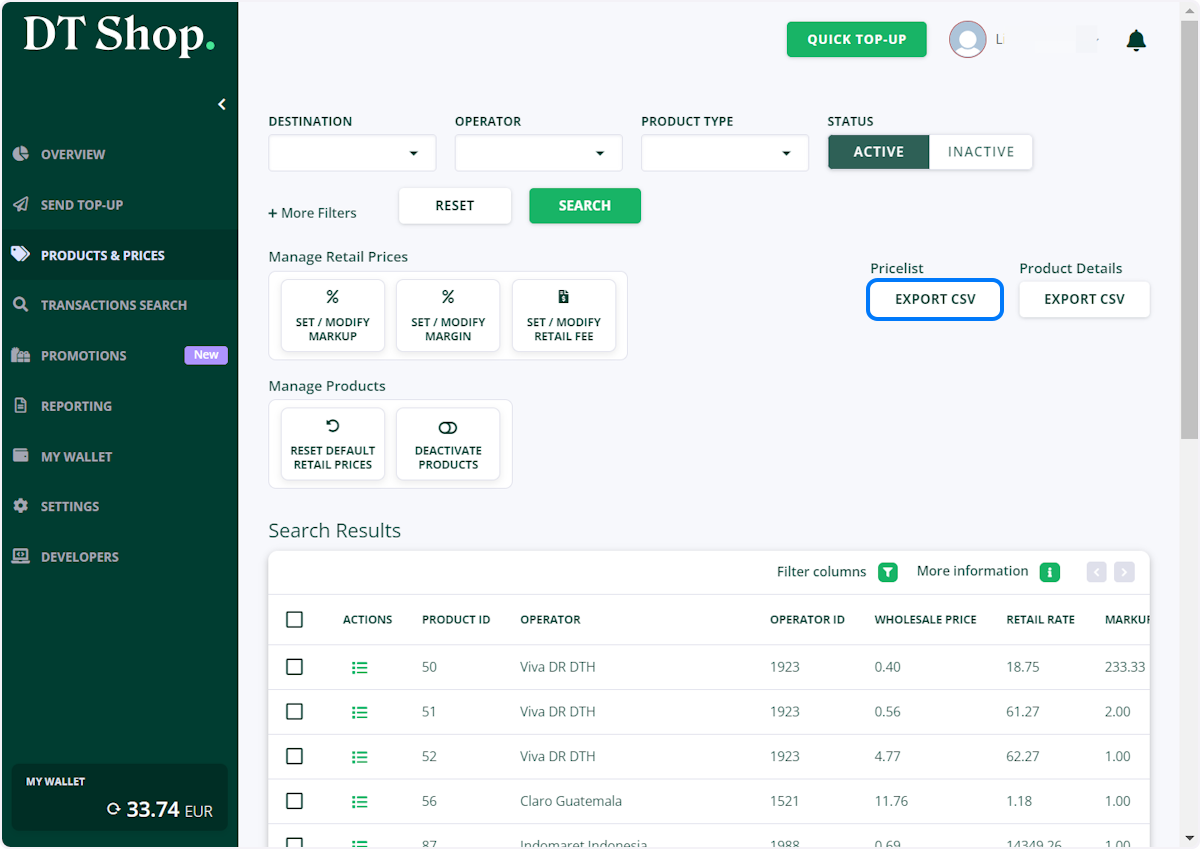
  2. Under Pricelist Click on EXPORT CSV

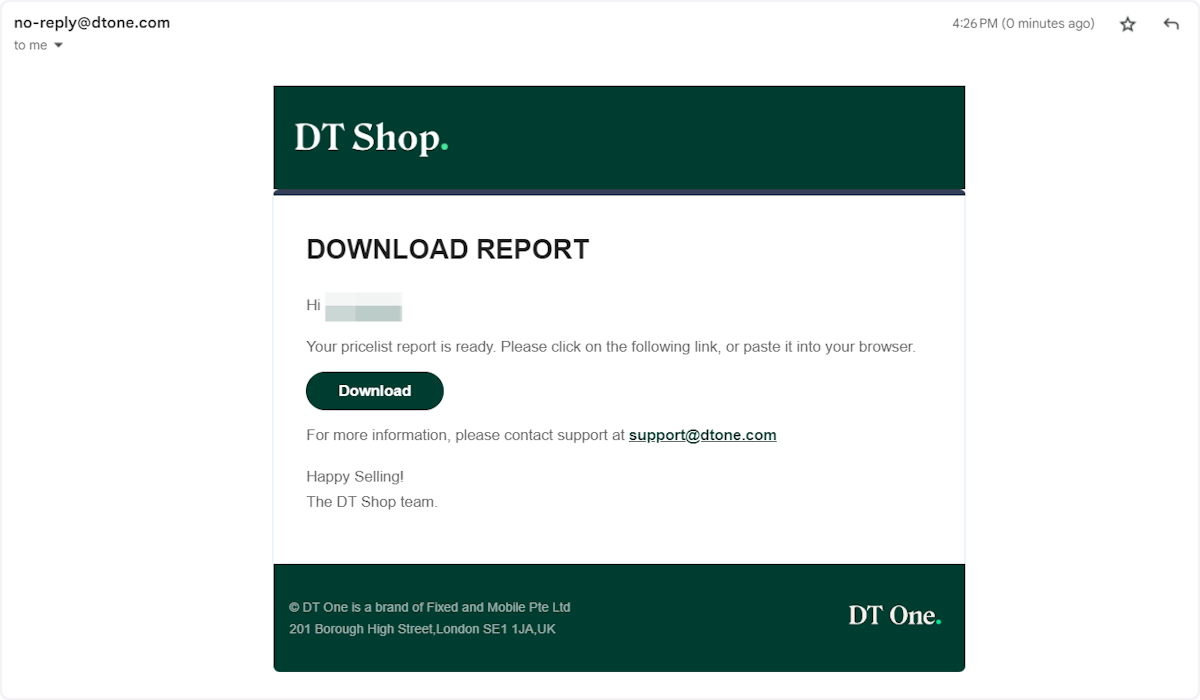
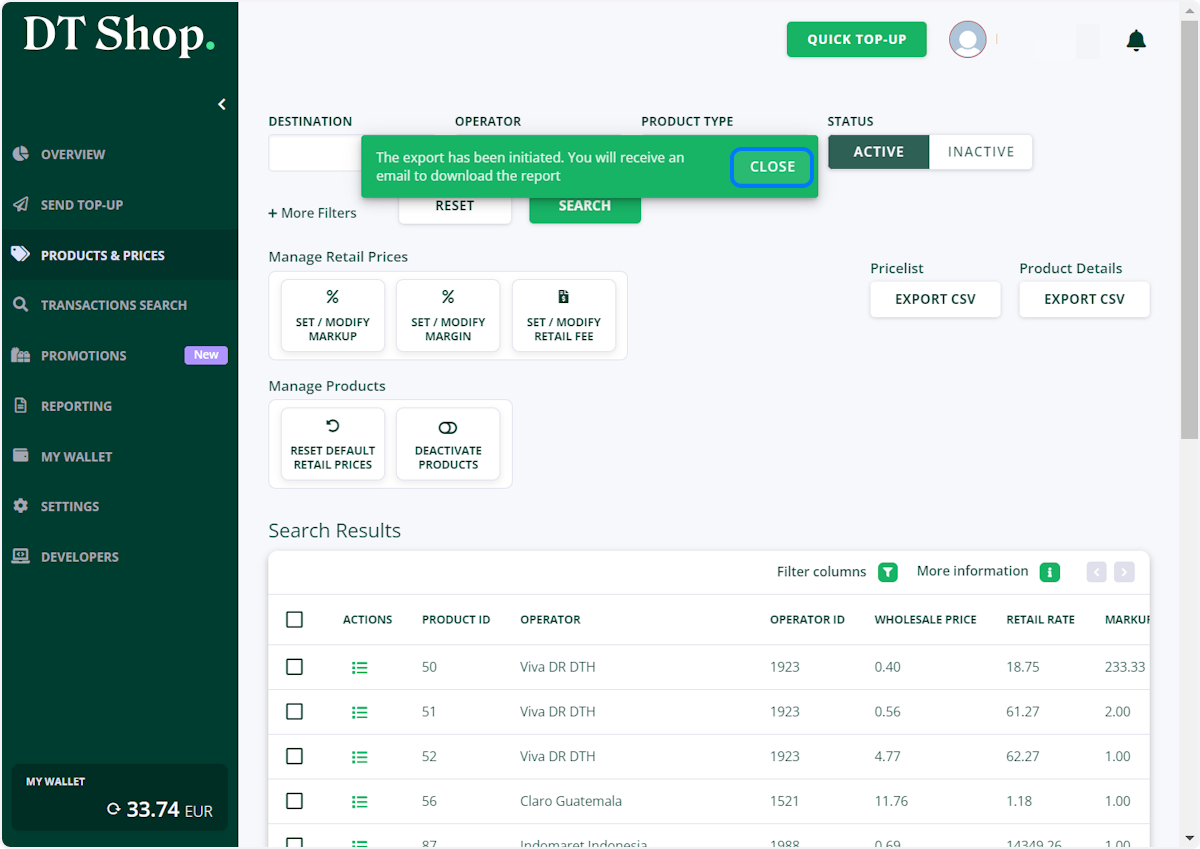
  3. Your Pricelist will be emailed to your email address in the form of CSV file
  4. Download CSV file

Updated 4 days ago


New! How to Set Rounded Retail Prices in DT Shop
How to Deactivate / Activate Products