
Restore Access (Forgot Password)
If you are unable to sign in or your account is locked, you can reset your password using the Forgot Password option.
Steps
- On the Sign In page, click “Forgot Password?”
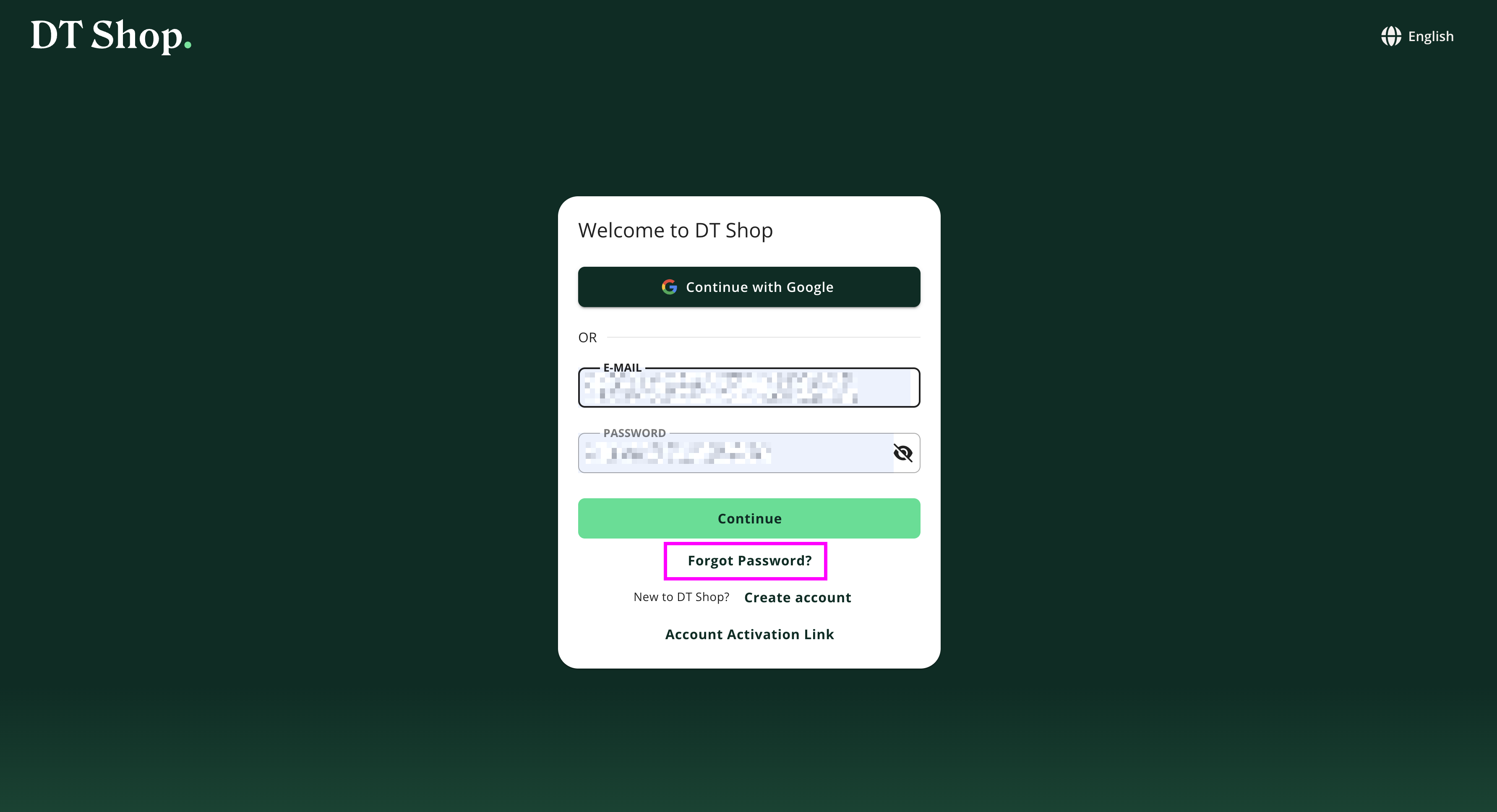
- Enter your registered email address
- Click “Send recovery e-mail”
- Email Verification : Check your inbox for the email titled: “DT Shop: Reset your password”. Click “Reset Password”
Please Note: The reset link is time-limited (expiration time is specified in the email). If you do not receive the email, check your spam/junk folder. You can re-send the recovery email from the platform.
-
Reset Your Password
- Open the reset link from the email
- Enter your new password
- Confirm the password
- Submit the request
Outcome:
- Your password will be updated immediately
- You can now sign in with your new credentials
- If your account was locked due to failed login attempts, resetting your password will restore access immediately
Notes
- If no account is associated with the provided email, no recovery email will be sent.
- For security reasons, the system does not disclose whether an email is registered
Updated 5 months ago
Did this page help you?