
Create and Manage Roles
Roles allow you to define custom permission sets based on responsibilities (e.g. Admin, Finance, Operations).
Steps
- Go to Settings → Access Control
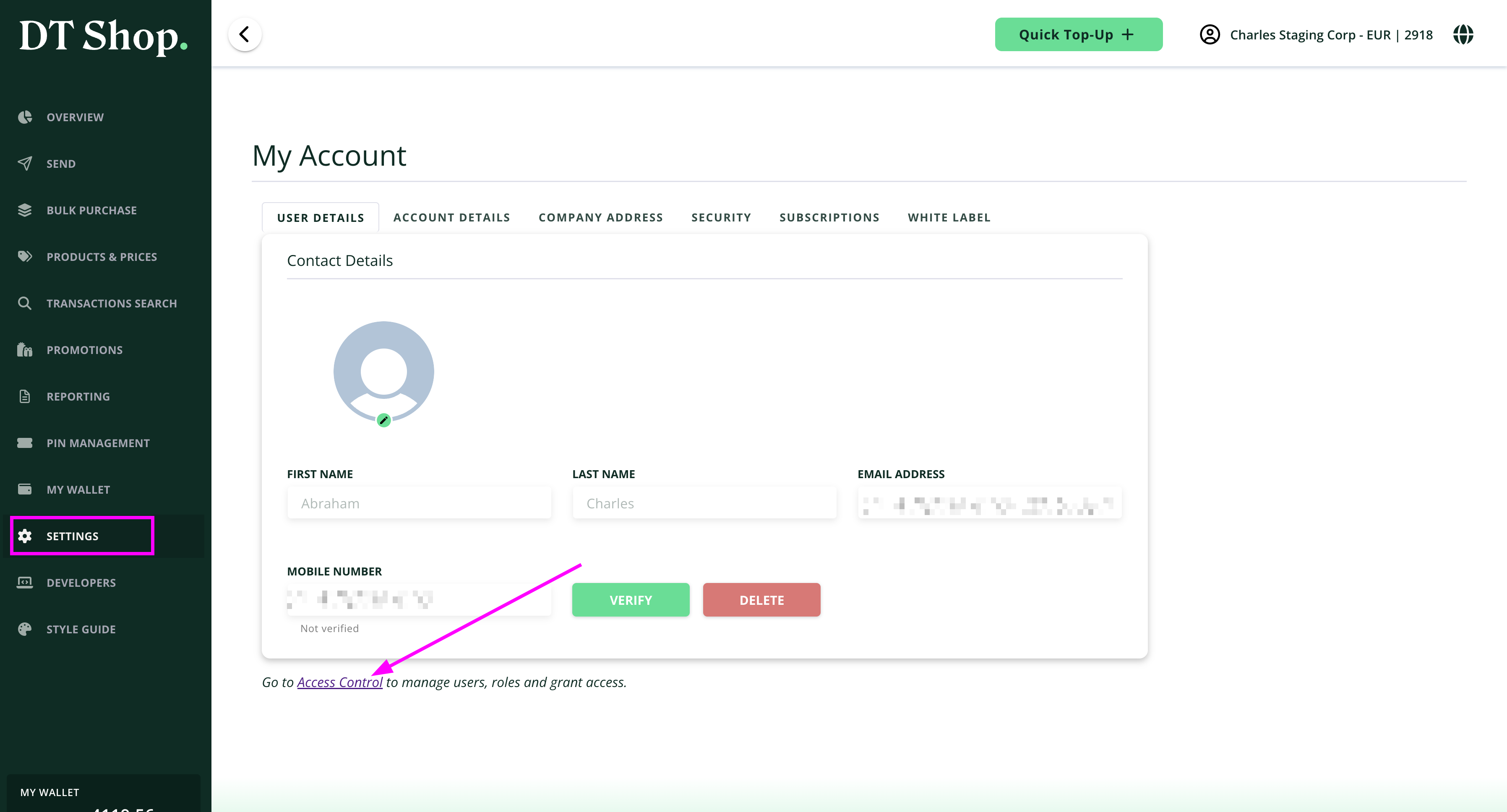
- Click Manage Roles
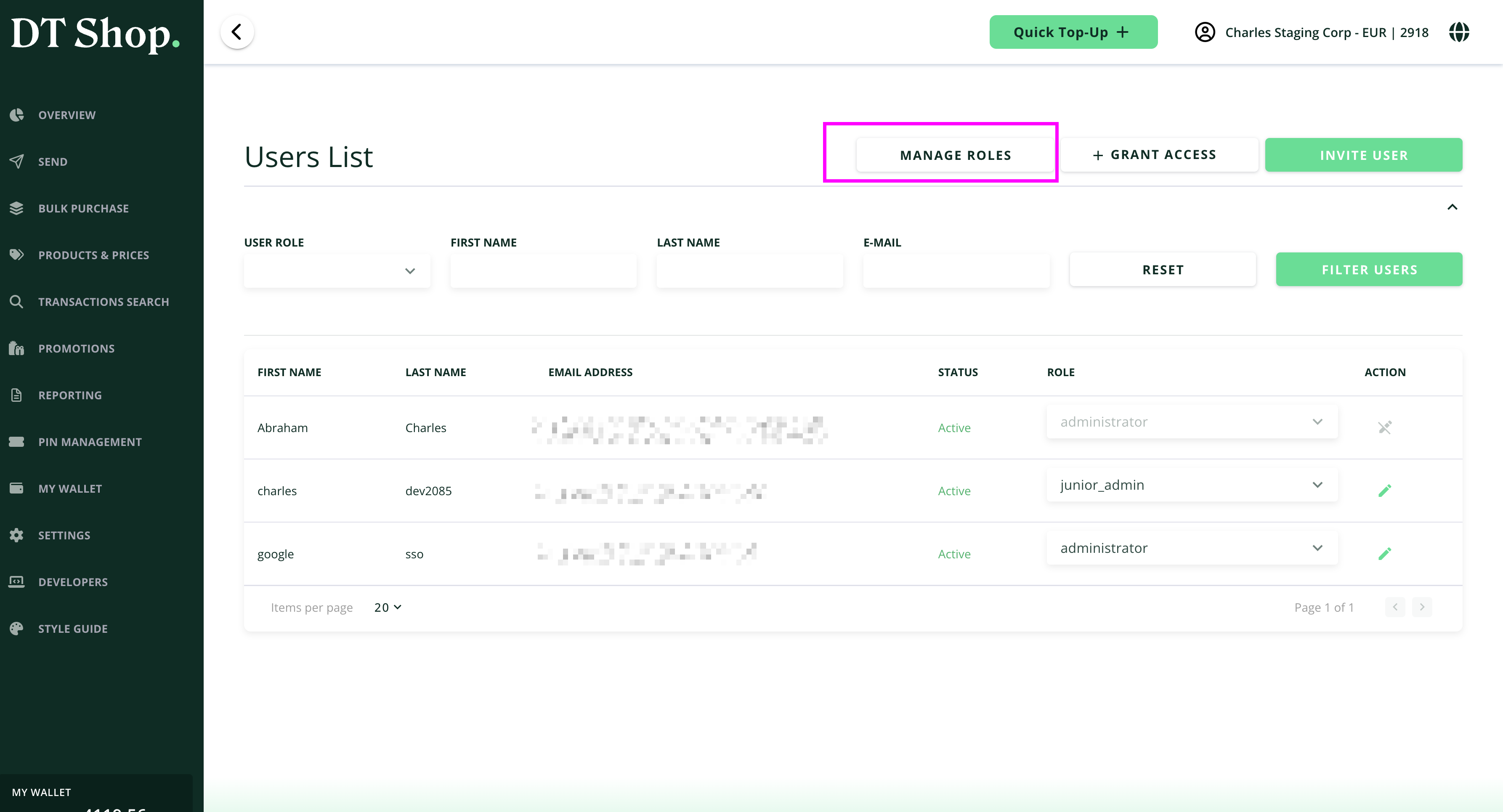
- Click Create Role
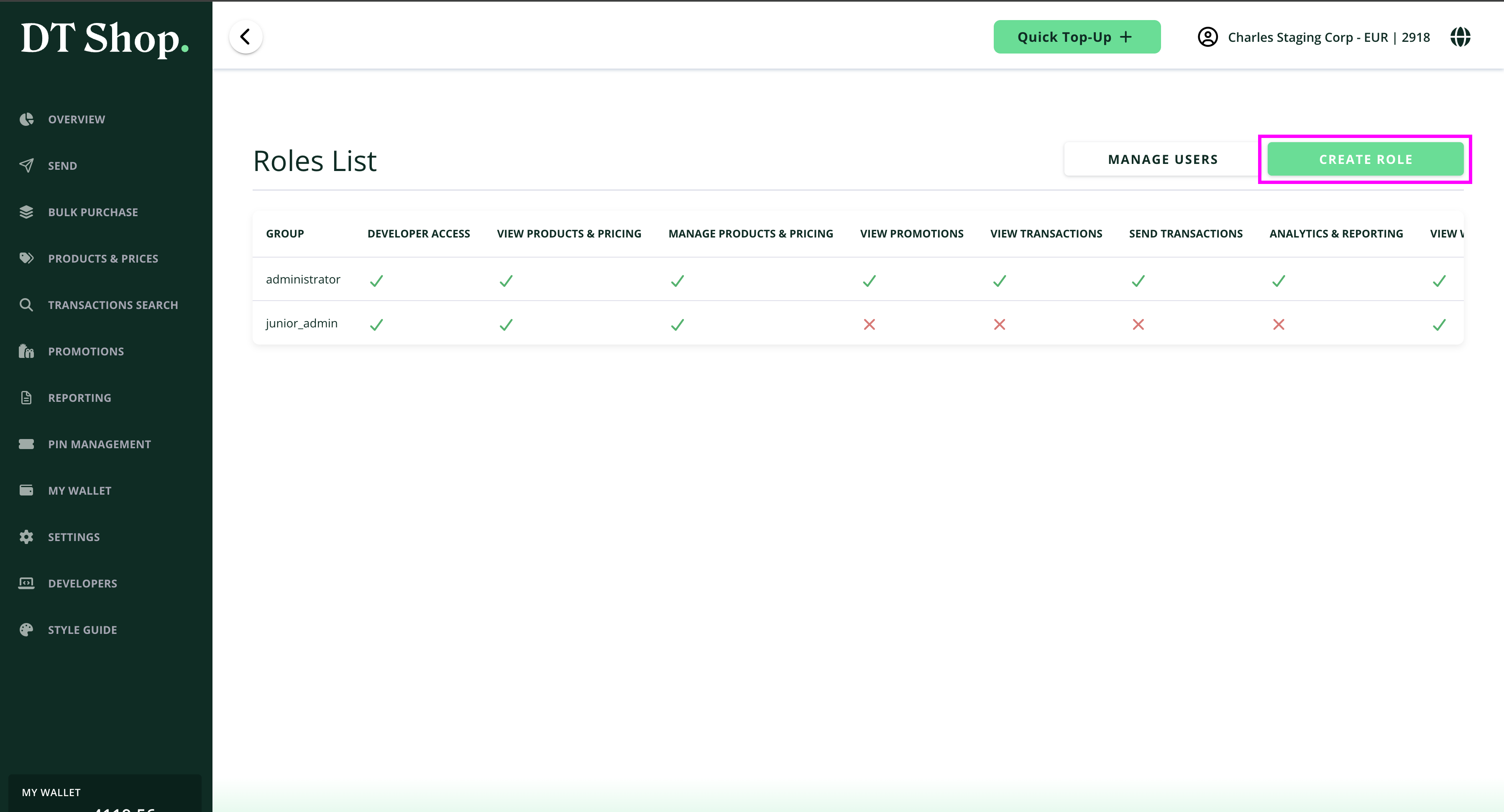
Configure Role
In the Create New Role modal:
- Enter a Role Name
- Select permissions based on required access:
- Developer:
Developer Access - Grant access for this role to manage API keys, whitelist IP Addresses and manage callback credentials - Products & Pricing
- View Products & Pricing - User will be able to view all the products and prices including the buying prices of the products
- View Products & Pricing (Limited Info) - User will be able to view all the products and prices except the buying prices of the products
- Manage Products & Pricing - User will be able to view and manage the products and their prices with no restrictions
- Transactions
- View Transactions - Users can only view Transactions on the Transactions Search page
- Send Transactions - Users can view and Perform Transactions on Send Top Up flow and Bulk Purchase.
- Promotions
- View Promotions - User can view the available promotions from the operator on the Promotions page
- Reporting
- Analytics & Reporting - Users can view overview dashboards and generate reports on the Reporting page.
- Wallets
- View Wallets - User can view the balance of the account and history of the balance movements(Debits & Credits
- Manage Wallets - User can fund the wallets as well as view the balance movements of the wallets
- Agents
- View Agents - User can view the existing agents with their details
- Manage Agents - User can create and remove agents, update agent details and transfer funds to agents wallets.
- Developer:
- Save Role
- Click Save Role to create the role
- The role will appear in the Roles List
Note:
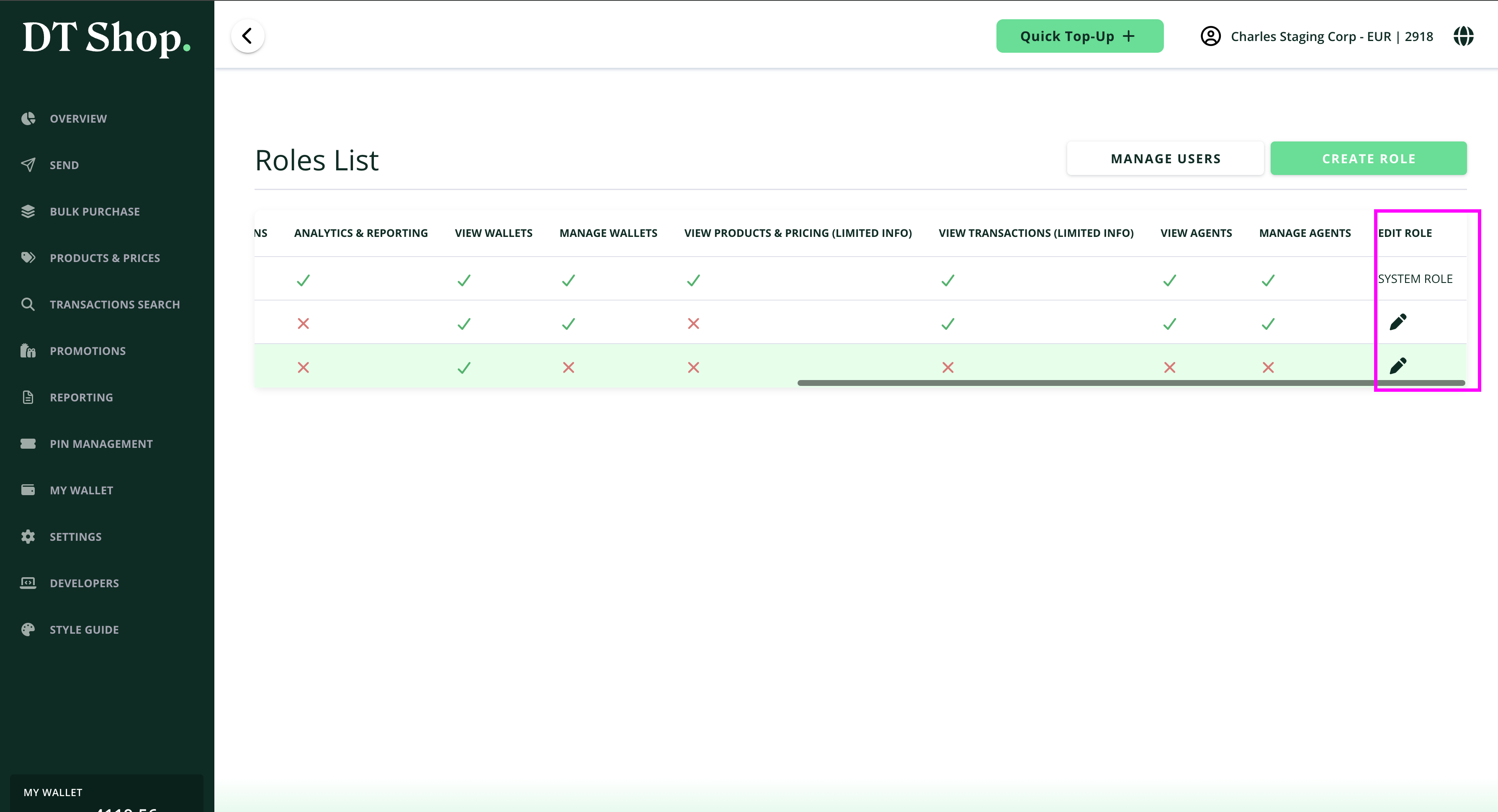
- You can edit the access permissions of a role by scrolling to the end of the roles list
- Permissions are cumulative within a role.
- Limiting permissions reduces risk and improves security.
- Use limited info permissions when full financial visibility is not required.
Updated 5 months ago
Did this page help you?