
NEW! Purchase Global and Regional Gift Card
You will only see the GIFT CARDS section if this product type is included to your Pricelist. If you do not see GIFT CARDS please request our team to add it by emailing [email protected]
-
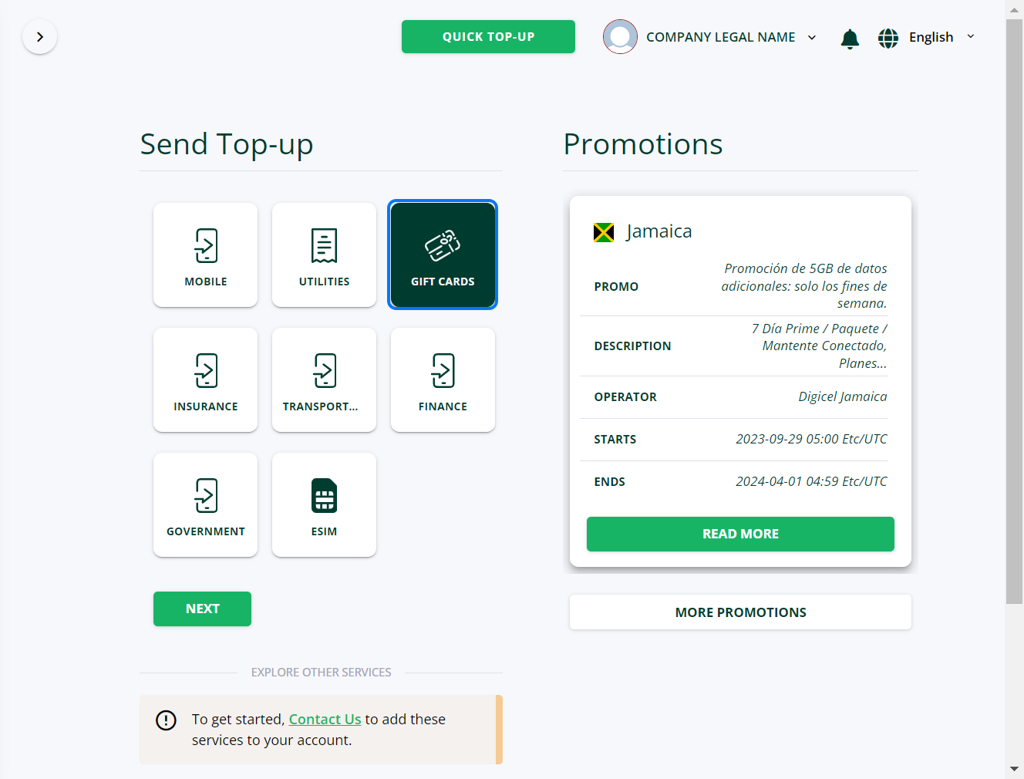
Log in to your DT Shop account, Click on SEND and then select GIFT CARDS and click NEXT
-
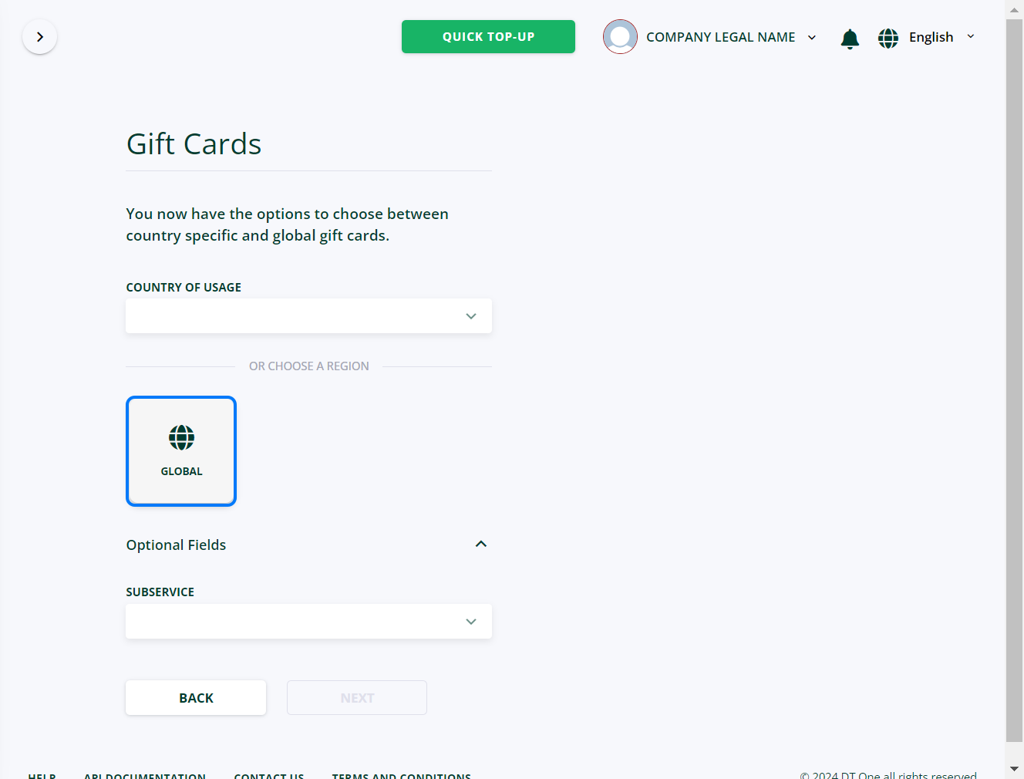
Click GLOBAL icon to view all options with multiple country coverage and click NEXT. You can select a service from the dropdown list
-
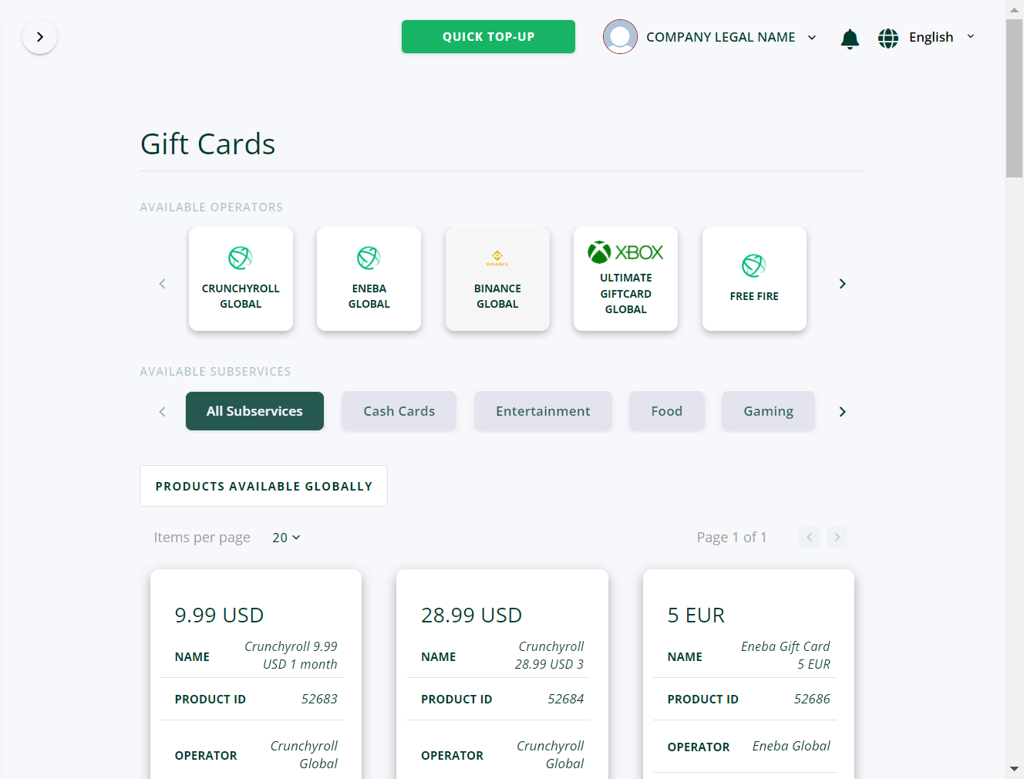
Filter search results by choosing one or more filters: by available operator or category
-
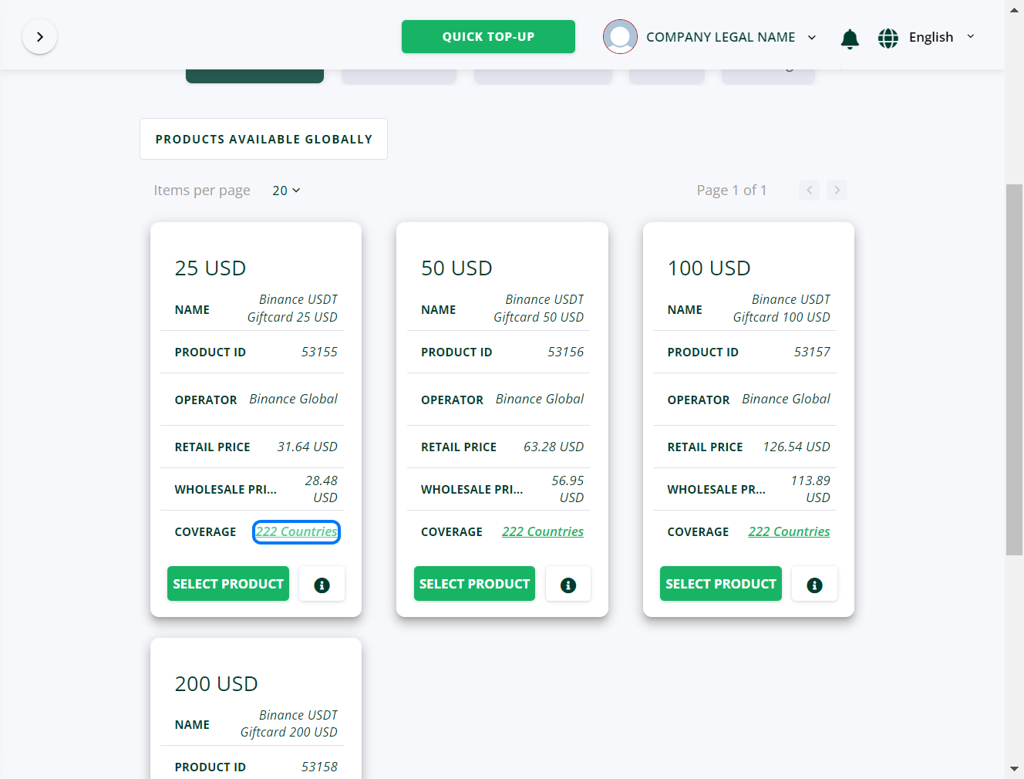
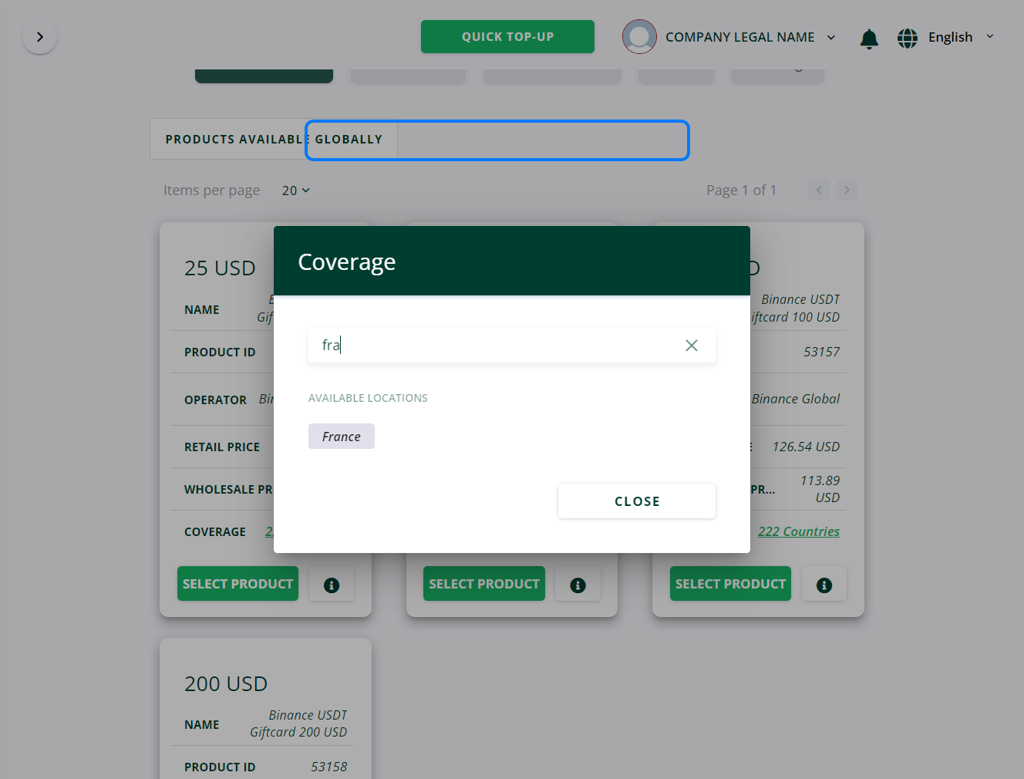
To view the list of countries where the product is available, click on the link in the COVERAGE field
-
In the dropdown list type country name to see if it is included
-
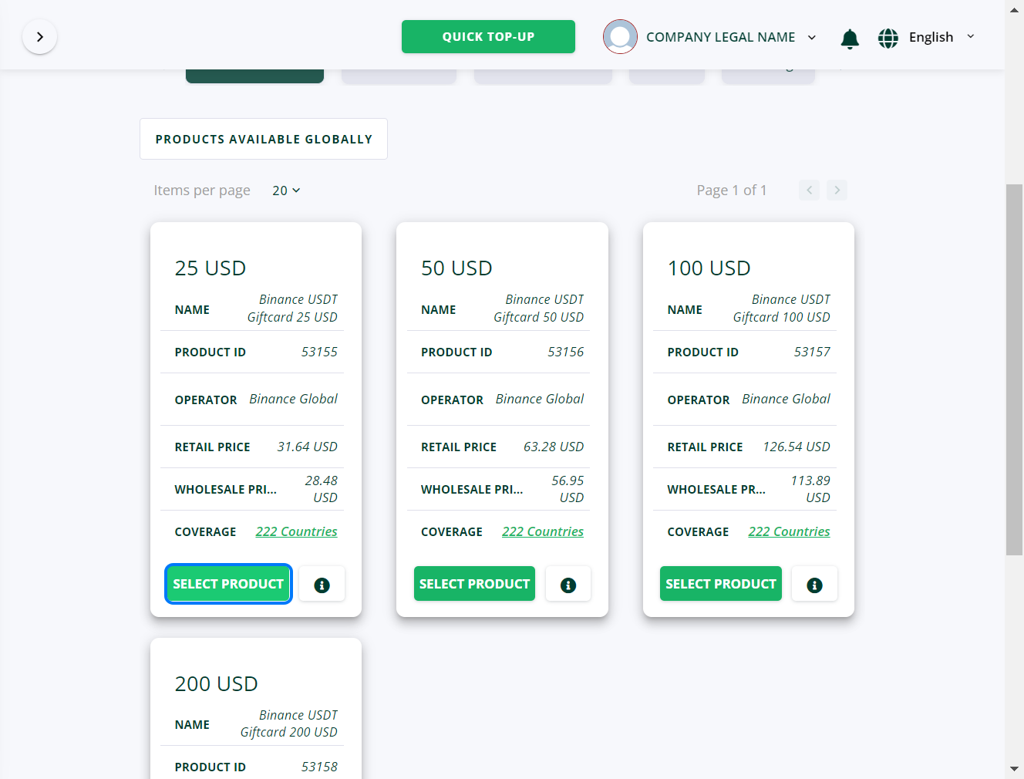
Review more details if required by clicking on "i" icon. Click on SELECT PRODUCT to move to the next step.
-
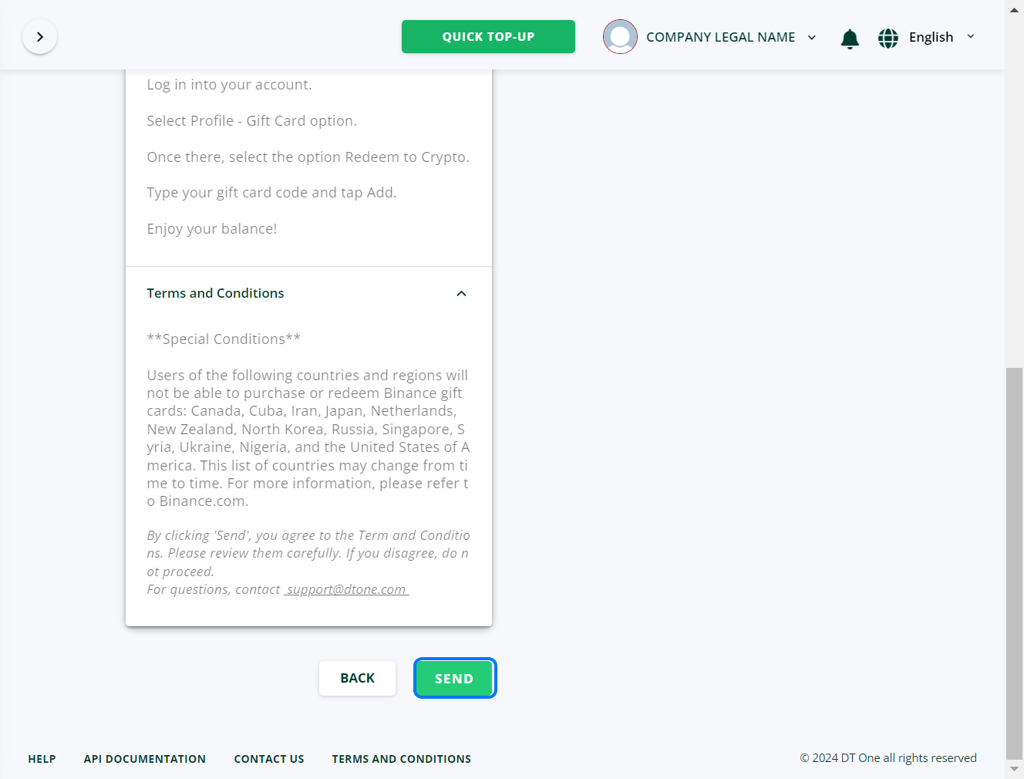
Click SEND to initiate the transaction
-
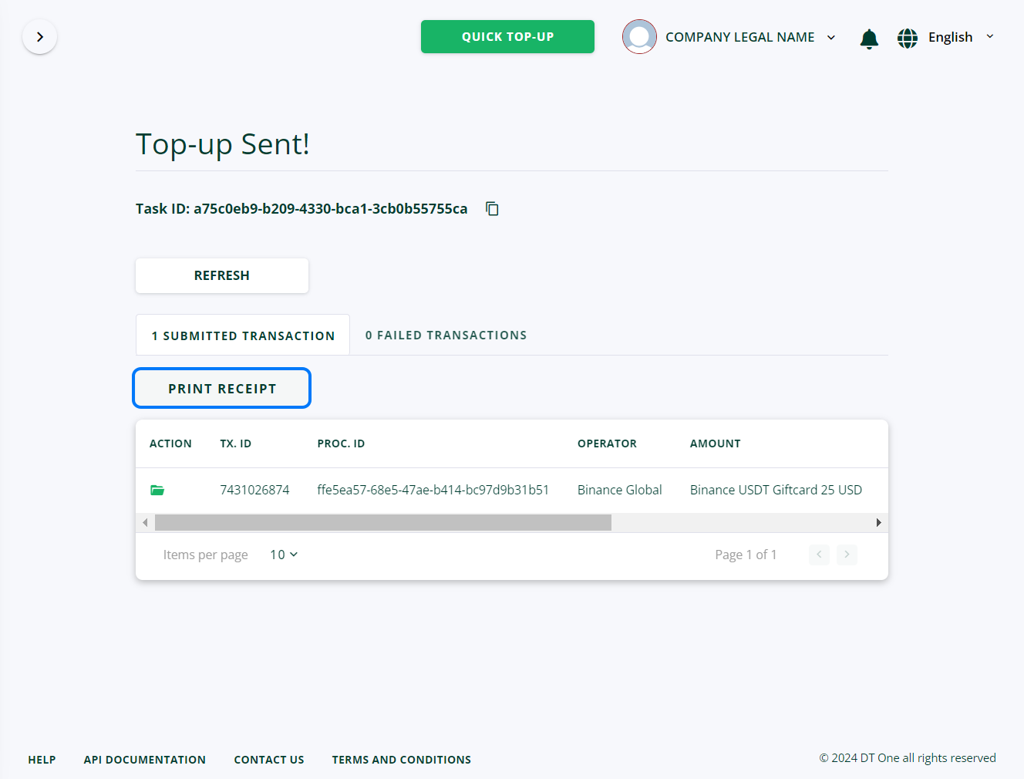
Click PRINT RECEIPT to upload transaction confirmation that contains PIN and PIN serial and redemption instructions.
-
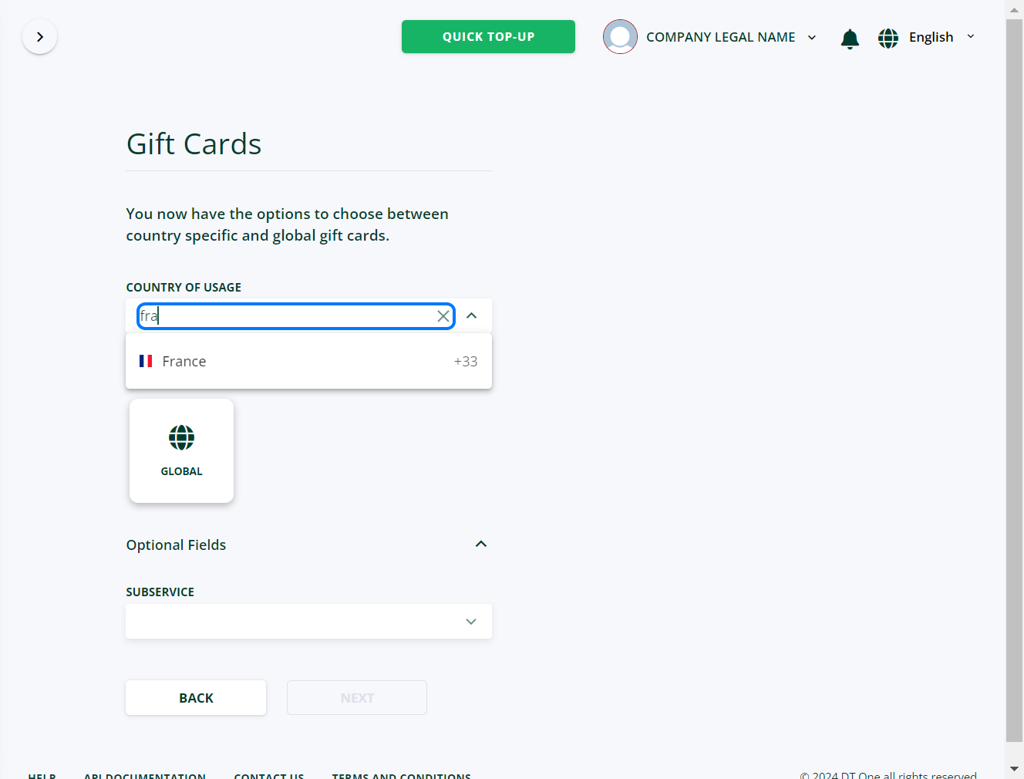
To select products that are restricted to one country, select county name in "COUNTRY OF USAGE FIELD"
-
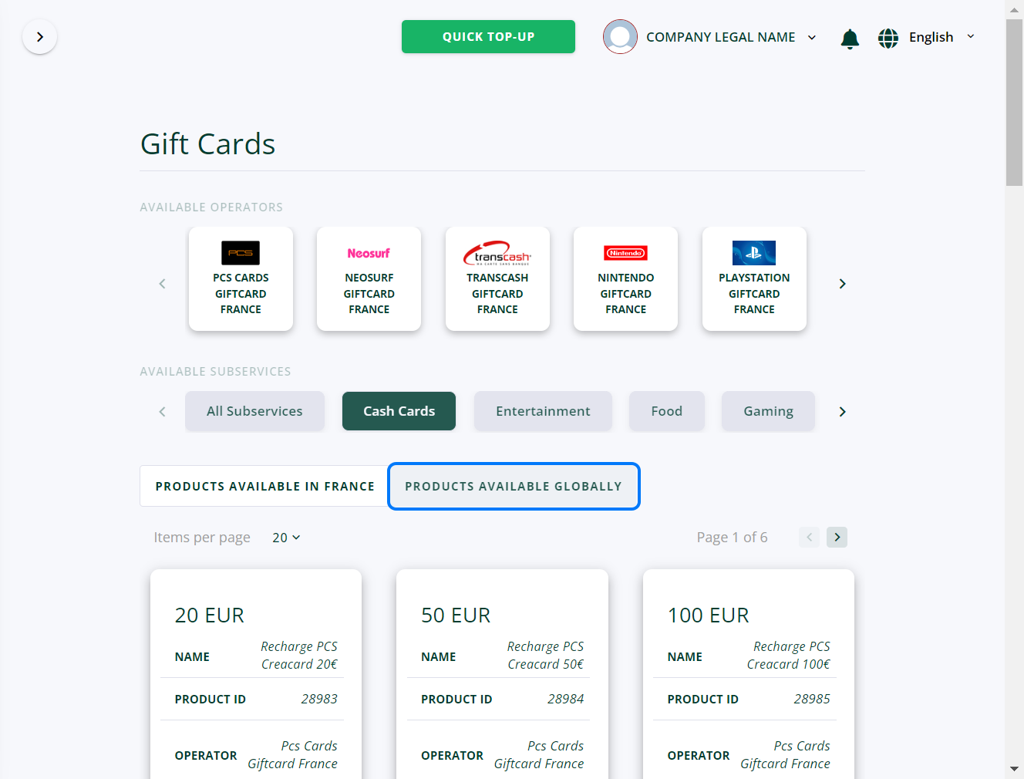
Filter search results by choosing one or more filters: by available operator or category. If GLOBAL products are available for this country, these products will also be shown under PRODUCTS AVAILABLE GLOBALLY tab.
Updated 5 months ago